Connected

Customer Data Insights

Unified Contact Profiles

Store and organize every contact with synced history and instant relationship insights.

Helping 1000+ Businesses Grow Smarter

Helping 1000+ Businesses Grow Smarter

The Difference

Organize Every Contact

Keep every contact, detail, and interaction connected in one clear view.

Faster Access

Keep contact details organized and easy for your team to find.

Smarter Organization

Organize contact details efficiently and simplify daily work.

Clearer Contact Data

Get a complete view of every contact and make decisions faster.

Better Collaboration

Keep your team aligned with shared contact data and updates.

How it Works

How The Feature Works

Follow the process from start to finish to see how each step works within the feature.

Add Contacts

Organize Data

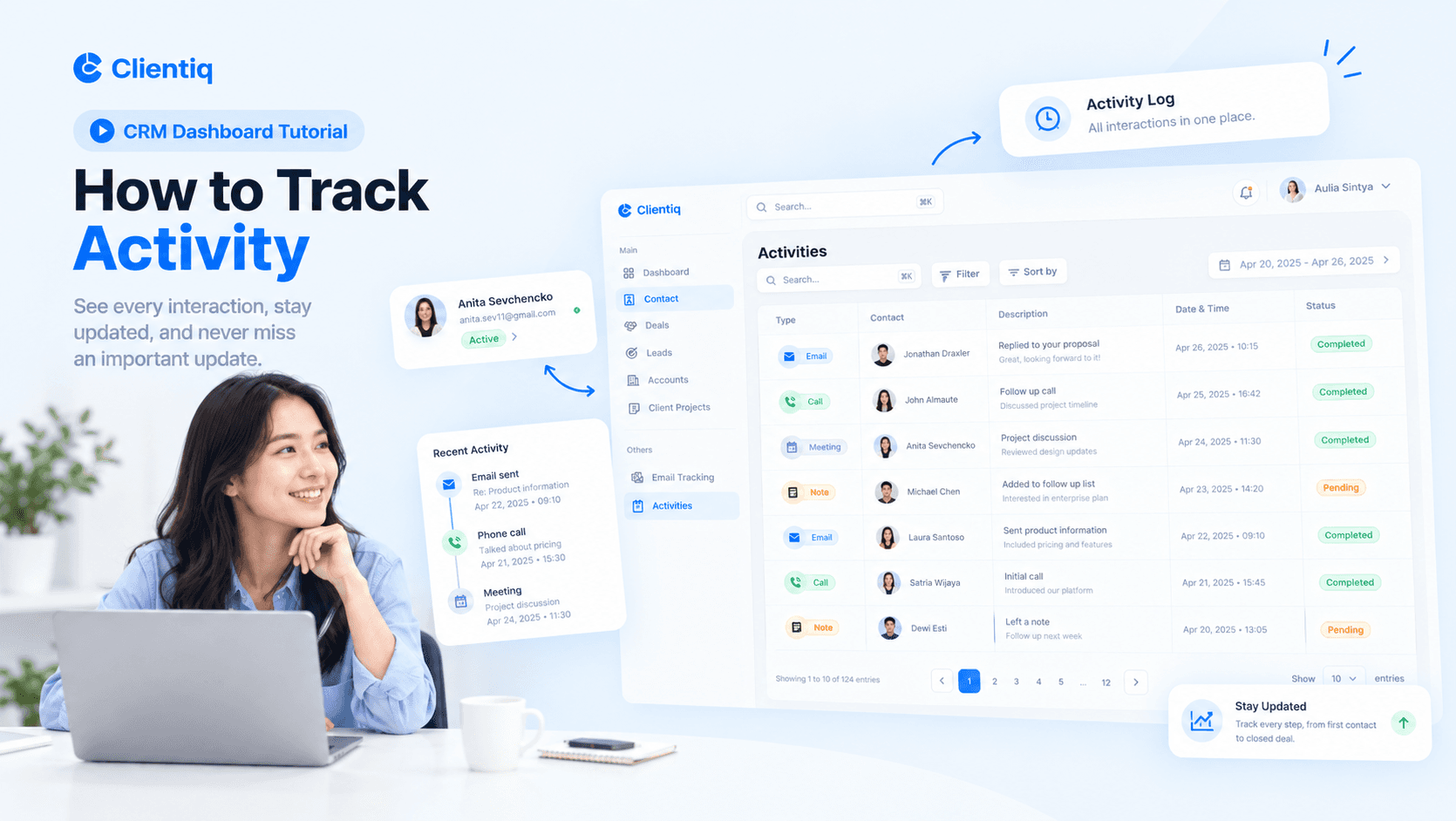
Track Activity

Team Access

Add Contacts

Follow each step to see how your contact data stays organized and quick to find.

01

Add contact name, email, and phone

02

Import contacts from CSV or Excel

03

Link contacts to companies and deals

04

Detect and merge duplicate contacts

How it Works

How The Feature Works

Follow the process from start to finish to see how each step works within the feature.

Add Contacts

Organize Data

Track Activity

Team Access

Add Contacts

Follow each step to see how your contact data stays organized and quick to find.

01

Add contact name, email, and phone

02

Import contacts from CSV or Excel

03

Link contacts to companies and deals

04

Detect and merge duplicate contacts

How it Works

How The Feature Works

Follow the process from start to finish to see how each step works within the feature.

Add Contacts

Follow each step to see how your contact data stays organized and quick to find.

01

Add contact name, email, and phone

02

Import contacts from CSV or Excel

03

Link contacts to companies and deals

04

Detect and merge duplicate contacts

Organize Data

Follow each step to see how your contact data stays organized and quick to find.

01

Add tags and custom categories

02

Create custom fields for any data

03

Filter and sort in a few clicks

04

Save segments for quick access

Track Activity

Follow each step to see how your contact data stays organized and quick to find.

01

View full interaction timeline

02

Log calls, emails, and meetings

03

Add notes and attach files

04

Set reminders for follow-ups

Team Access

Follow each step to see how your contact data stays organized and quick to find.

01

Assign contacts to team members

02

Set permissions by role or team

03

Mention teammates inside notes

04

Track changes with activity logs

FAQs

Everything You Need to Know

Find answers to common questions about our CRM platform and features.

What is Contacts in CRM?

How do I add a contact?

Can I import my contact list?

Can I assign contacts to my team?

Can I add notes and tags?

Stay Updated With Clientiq.

Create a free website with Framer, the website builder loved by startups, designers and agencies.