Organize

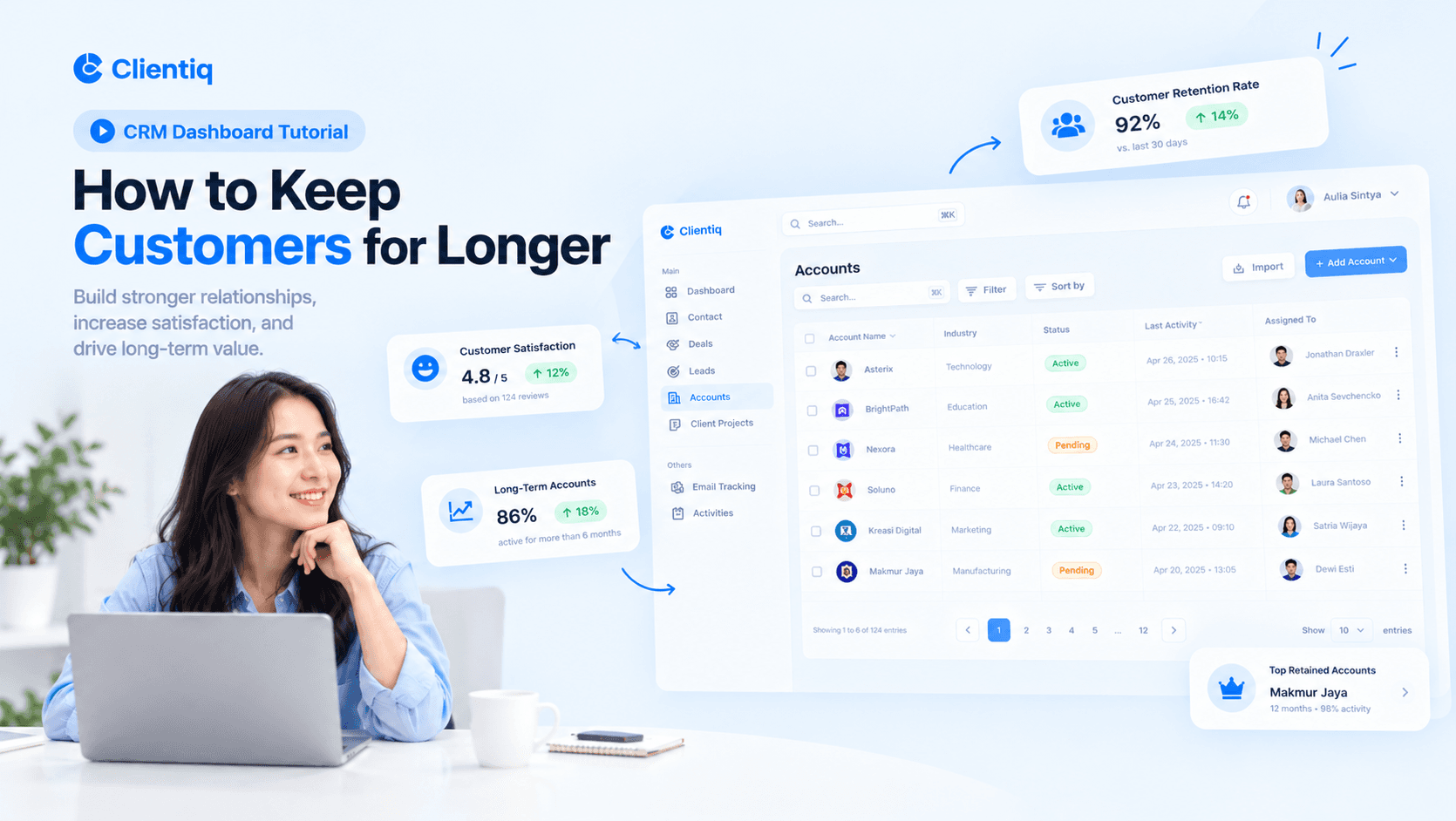
Account Relationship Hub

Complete Account Control

Manage every account with connected records, shared context, and clear insights for your team.

Helping 1000+ Businesses Grow Smarter

Helping 1000+ Businesses Grow Smarter

The Difference

Accounts Made Simpler

Keep companies, contacts, and deals in one place to build stronger relationships.

Company Pages

See company details, contacts and history together.

Relationship Health View

Spot at-risk accounts early and act before they go.

Account Activity Feed

Follow all calls, emails, and meetings with each account.

Shared Account Team

Assign owners and share notes, so no account gets missed.

How it Works

How The Feature Works

Follow the process from start to finish to see how each step works within the feature.

Save Accounts

Link Contacts

Track Activity

Retention

Save Accounts

Follow each step from start to finish to see howeach account is managed in CRM.

01

Add company and industry details

02

Import accounts from other sources

03

Assign accounts to the right manager

04

Organize with tags and industries

How it Works

How The Feature Works

Follow the process from start to finish to see how each step works within the feature.

Save Accounts

Follow each step from start to finish to see howeach account is managed in CRM.

01

Add company and industry details

02

Import accounts from other sources

03

Assign accounts to the right manager

04

Organize with tags and industries

Link Contacts

Follow each step to see how company records link to contacts, deals, and owners.

01

Link many contacts to one account

02

Connect deals to the right account

03

Show parent and subsidiary groups

04

View all related records at once

Track Activity

Follow each step to see how company records link to contacts, deals, and owners.

01

View full account activity timeline

02

Log calls, emails, and meetings

03

Monitor account health and revenue

04

Get alerts for inactive accounts

Retention

Follow each step to see how company records link to contacts, deals, and owners.

01

Set reminders for renewal dates

02

Mark accounts as active or churned

03

Record upsell chances per account

04

Review revenue reports by account

Track Activity

Follow each step from start to finish to see howeach account is managed in CRM.

01

View full account activity timeline

02

Log calls, emails, and meetings

03

Monitor account health and revenue

04

Get alerts for inactive accounts

Retention

Follow each step from start to finish to see howeach account is managed in CRM.

01

Set reminders for renewal dates

02

Mark accounts as active or churned

03

Record upsell chances per account

04

Review revenue reports by account

How it Works

How The Feature Works

Follow the process from start to finish to see how each step works within the feature.

Save Accounts

Link Contacts

Track Activity

Retention

Save Accounts

Follow each step from start to finish to see howeach account is managed in CRM.

01

Add company and industry details

02

Import accounts from other sources

03

Assign accounts to the right manager

04

Organize with tags and industries

FAQs

Everything You Need to Know

Find answers to common questions about our CRM platform and features.

What is Accounts in CRM?

How do I add an account?

Can I link contacts to an account?

Can I assign accounts to my team?

Can I see deals and activity per account?

Stay Updated With Clientiq.

Create a free website with Framer, the website builder loved by startups, designers and agencies.